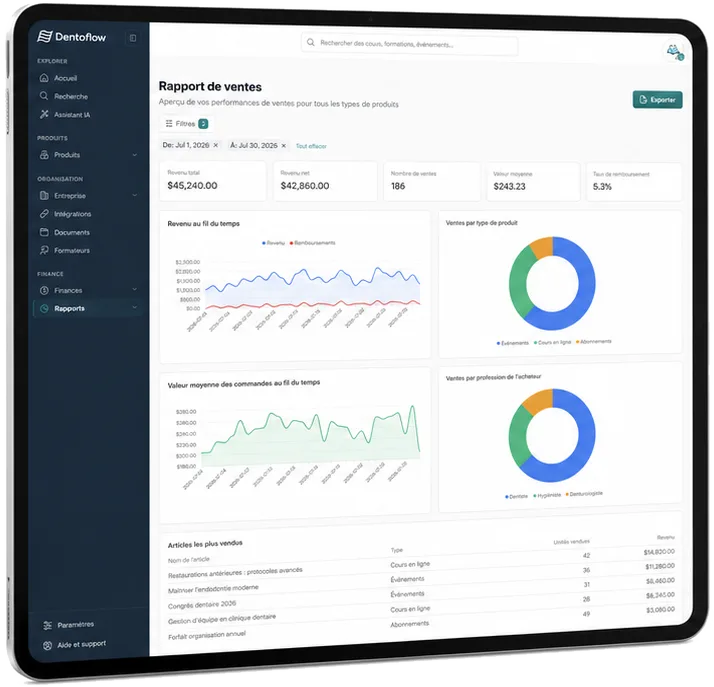
Request handling
- Email received
- Information extracted
- CRM updated
- Owner assigned
We connect your files, email and software to remove duplicate entry, speed up follow-ups and keep a person in the loop when a wrong decision would be costly.
Have this process assessed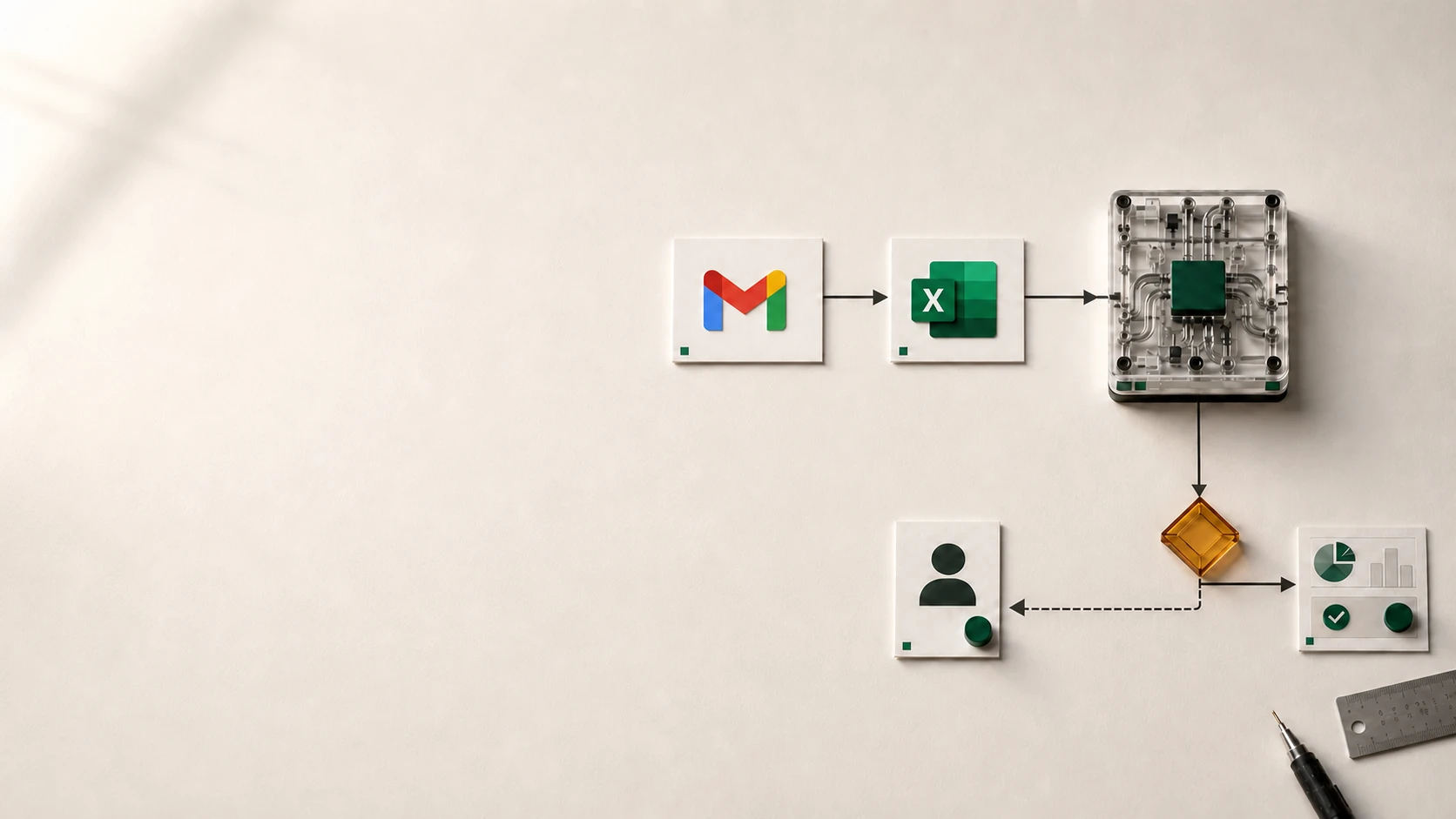
The problem is not one isolated task. It is the same work passing through several people and tools with no clear view of where it stands.
The more volume grows, the more this process costs.
Start with a process that happens often, receives similar information and leads to a clear result. Here are six examples.
Each step leaves you with a clear decision, a gain to check or a process ready to use. You do not pay to discover the problem after work has started.
We put what starts the work, the information moving through it, the decisions and the important cases on one page.
Volume, time, errors and customer impact help choose the first process.
Simple steps follow your rules. Important cases stay with your team.
Your tools exchange the right data, errors become visible and the gain can be checked.
We connect the steps, your tools and the right checks so a process can move on its own when it should and involve your team when it needs to.
Email · CRM · Accounting
Your rules · AI, when it helps · Human review
Alerts · Tracking
Your team steps in only when a case needs judgment.
Your team steps in when a case needs judgment. The rest moves between your tools, with a clear view of every step.
Have this process assessedWe look for the simplest, most reliable way to remove manual work, not the most impressive technology.
We first identify what is actually costing time or creating errors.
We add new software only when it brings something you genuinely need.
A clear rule is often better than an AI model for a simple decision.
We plan for errors, protect your information, keep human review and show you what is happening.
Direct answers about choosing the process, budget, timing, AI, data and control after launch.
Start with a frequent, stable and measurable process whose errors or delays have a visible cost. It should have a clear trigger, expected outcome and enough volume for the gain to be worth it.
Cost depends on the number of tools being connected, data quality, special cases, approvals and the tracking needed. We first look at one complete process, then estimate the first release and what can wait.
We check before we recommend a project. We compare what the process costs today (time, volume, errors and delays) with the cost to build and run the automation. If the possible gain does not justify the investment, we tell you.
Timing depends mainly on access to your tools, rules to confirm, test data and special cases. A well-defined first process can be delivered before broader automation; the initial review helps set a realistic timeline.
No. Clear rules are easier to check and explain when they are enough. AI becomes useful for reading documents, messages or images that change from case to case; strong automation often combines rules, AI and human review.
Yes. We check how each tool can exchange data, the access it needs and its limits before choosing the connection. When a direct connection is not possible, we suggest a controlled import or transition step instead of a fragile solution.
We limit the data used, access and retention based on the process. Providers, where data is processed and review steps are documented to help your company meet its obligations.
When it is not confident enough, AI can send the case to a person with the useful information. Your team keeps the decision when an error could have an important effect, then improves the process.
Responsibilities, accounts, access and code ownership are defined before the project. We also provide what you need to see when a step fails, change a rule and plan maintenance.
Describe the steps, tools and special cases. We will help separate what can be automated, what should stay human and what changes the budget.