Application plan
The people you want to help, the important pages and the features to build first.
You have a web app idea. We help you choose the important features. Then we build the app, test it and put it online.
Discuss your project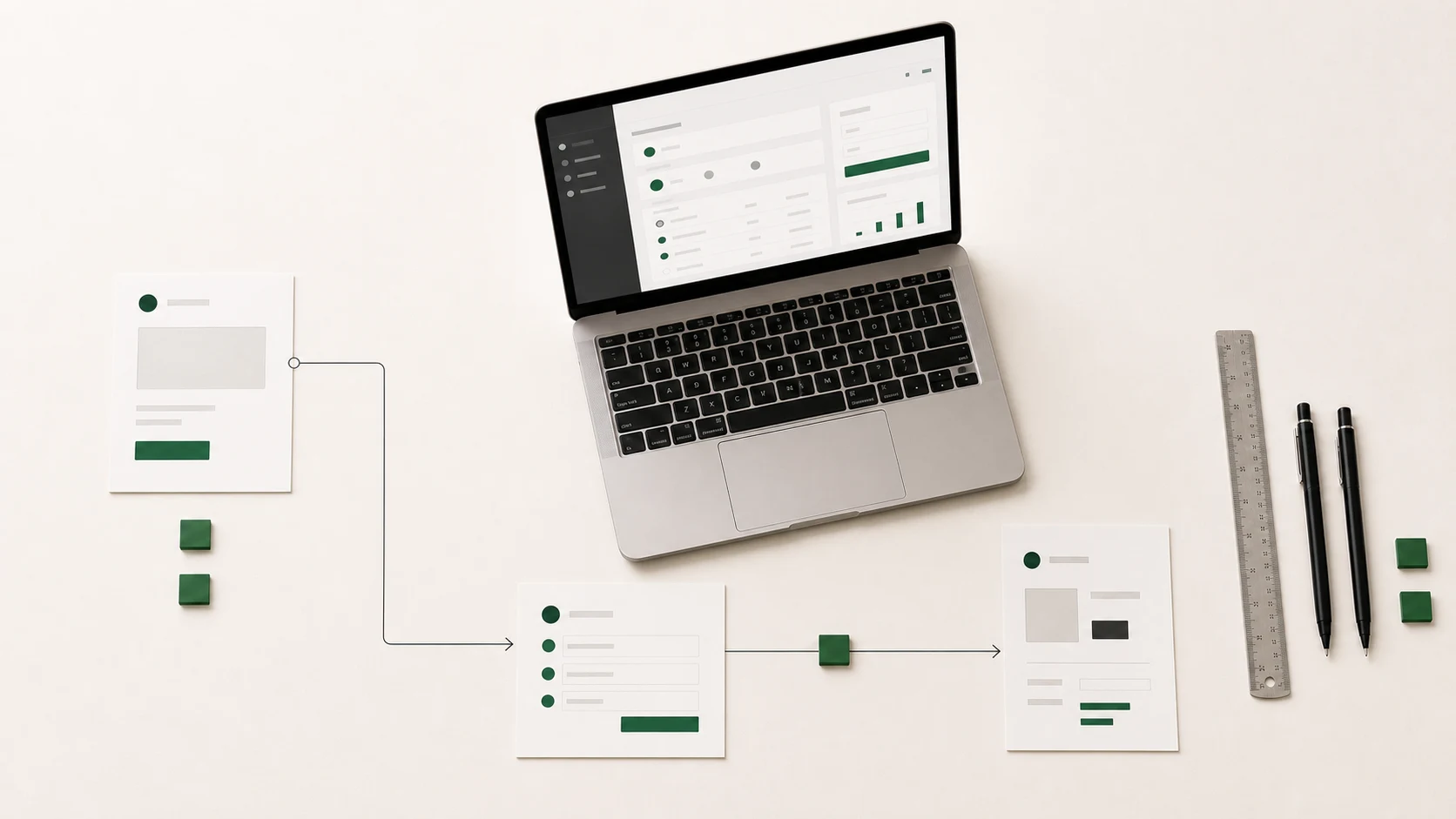
You do not need to know every detail. We help you answer the important questions before work starts.
What should the application let people do?
Who will use it?
What information should it keep?
Should it connect to your current tools?
You see the work as it moves forward. At every step, you can ask questions and approve the choices.
We discuss who will use the application and what they need to do with it.
We choose the pages and features to build first. You know what is included before work starts.
We often show you a version that works. We test it on computers, tablets and phones.
We prepare the needed accounts, information and tools. Early feedback then helps us choose what comes next.
Every project is different. We choose only what your application needs to be useful.
The people you want to help, the important pages and the features to build first.
Pages that are easy to understand on computers, tablets and phones.
Each person sees and does only what they are allowed to.
The system keeps information and follows the rules used by your application.
The application can connect to payments, accounting or other tools if needed.
We test the application in the chosen browsers and put it online.
People can open it in their browser, complete the main action and tell you what should be better.
If you want to sell the same product to several companies, explore SaaS platform development before you choose.
See how a web application fits within a custom software project.
We worked in the existing application to improve the arrival of new customers and add features requested by users.
 Web application
 Simple answers about price, timing, features, information and what happens next.
The price depends on the number of pages, features and people who need access. It also depends on the tools that need to connect. We first choose what to build, then prepare a clear estimate.
Time depends on the number of features, the information to keep and the tests to run. A small first version takes less time than a full application. We make a plan before work starts.
It should let one person complete the main action from start to finish. Other ideas can be added later. This helps you launch sooner.
A web application helps people complete a task, manage an account or work with information. A website is mainly used to share content. Some projects can do both.
Yes. The application can connect to payments, accounting or other tools. We first check what already exists and what needs to be added.
Yes. We check the information in the files before moving it. We then test the new application to make sure nothing important is missing.
We limit access to the right people and protect information as it moves. The safety rules depend on what the application needs to keep.
The answer is written in the contract before the project starts. Our way of working is meant to leave you in control of the code, information and application accounts.
We test the important actions and prepare the needed accounts. We can also show users how to get started. Early feedback helps us fix what needs to change.
We can fix problems and care for the application. User feedback then helps you choose the next features.
Tell us who will use the application and what it should let them do. We will help you choose a first version and estimate the time and budget.